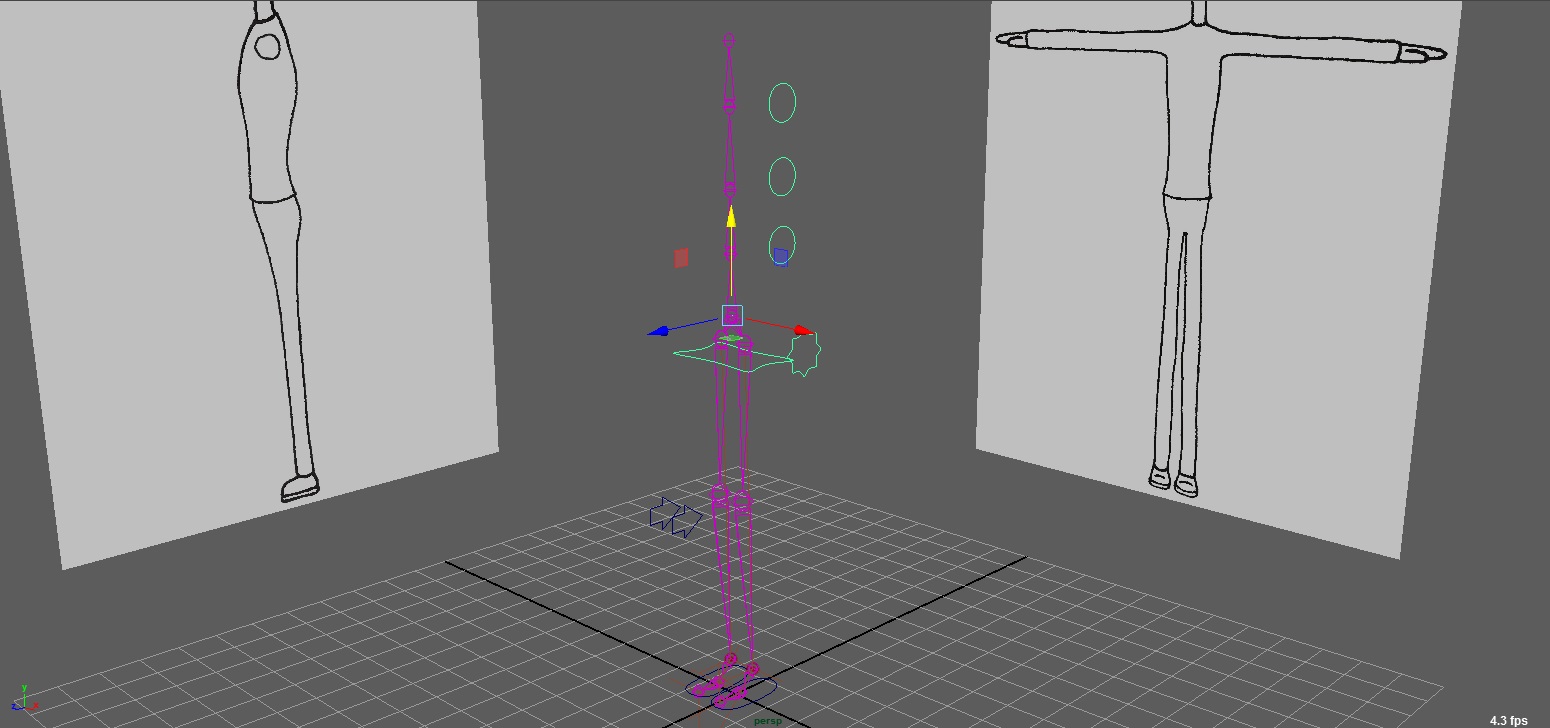
The spine was much more straight forward in comparison to the legs and feet, so I didn't have any issues creating this part of the rig. It works properly and I'm glad that I haven't had any major issues as of yet.
I had to fix the models' legs to complete this tutorial properly because they weren't straight, and parallel with each other, so when I tried to bend the legs, it didn't work. After doing that, though, I managed to create the rig properly and so it does now work, as it should do.
Out of all 3 characters, George is the character I had the most difficulty with and so there are still some issues with the model, especailly in terms of proportions. I do, however, like how it still looks like it's in the same "style" as the other characters, as I was concerned that this model would look a bit odd due to George being completely different in size to the other two.
I have set up the UV layouts for Alex. Like the Tim model, there are a few problems that I will need to fix. Overall tough, I think they will work due to the simplicity of the textures.
I have tried to set up the UV layouts for Tim, some of which work well and some still need a bit of tweaking/fixing. The final characters in the animation will have quite simple textures, and in some cases, like the hair and shoes, will mainly be one colour.
I have now completed the model of Alex, and although I think I've got the overall character right, there are still some problems, especially in terms of proportions, in particular the legs that look a bit too short, and the head looks a bit too big.
Modelling has taken me much longer than I had hoped, so far I have only fully completed the character model for Tim, and have started creating Alex. I think this model does look quite good, although there are a few little problems in places, which I'll aim to fix as soon possible. I'll continue working on this character to make sure that he is fully complete for the submission, as well uploading the full animatic and revised script.
I managed to complete Part 1 of this set of tutorials today relatively quickly. After doing a couple of the other tutorials, I was able to do this with no problems.
In today's class, we continued working on the rigging tutorials, and although I had no sound on my computer, I was able to complete this tutorial correctly with no major issues.
I have completed the arm swing section of this tutorial, and I think it has come out quite well. I think there's a slight moment where there's a little jump between the positions, so I think that may need some adjusting.
I have now completed all the Lighitng & Rendering 2: Mental ray tutorials. Overall, I managed to complete them with no problems and they were all very interesting and fun to do. The only slight challenge that I had with this tutorial is that I couldn't find the "Get Brush" tool straight away.
I have completed both parts of the motion blur tutorial, with the arm batch render being in a video and the octopus, with some images showing frames at different shutter angle settings. Very straight forward and simple, so I had no problems with this one, except for Maya freezing when I changed the number of divisions in the Octopus when smoothing. I added the arm motion several times due to how fast it was.